 SafeSteps
Train students for earthquakes —
safely, and without fear.
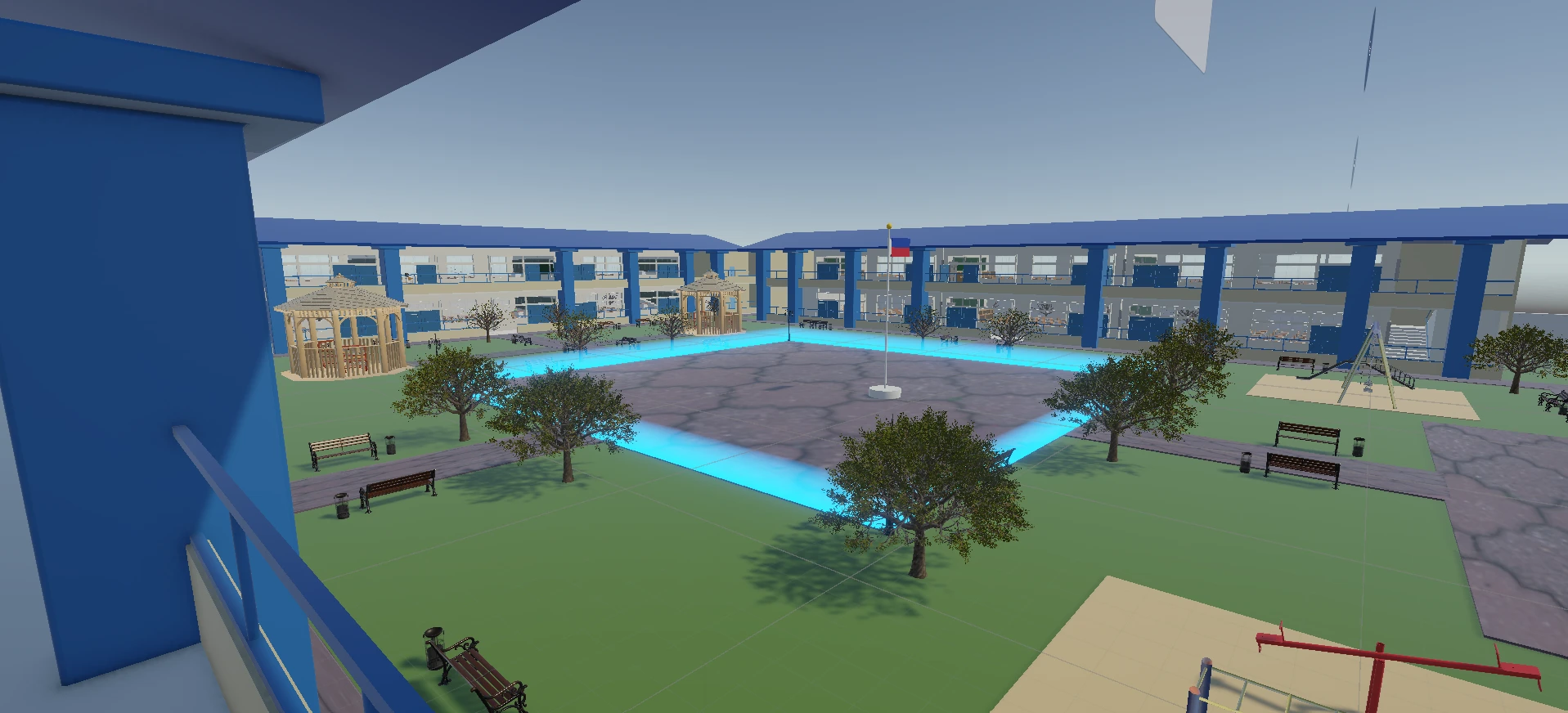
A 3D earthquake preparedness simulation built for elementary students. Practice Duck, Cover, and Hold — and safe evacuation — inside a realistic school building.
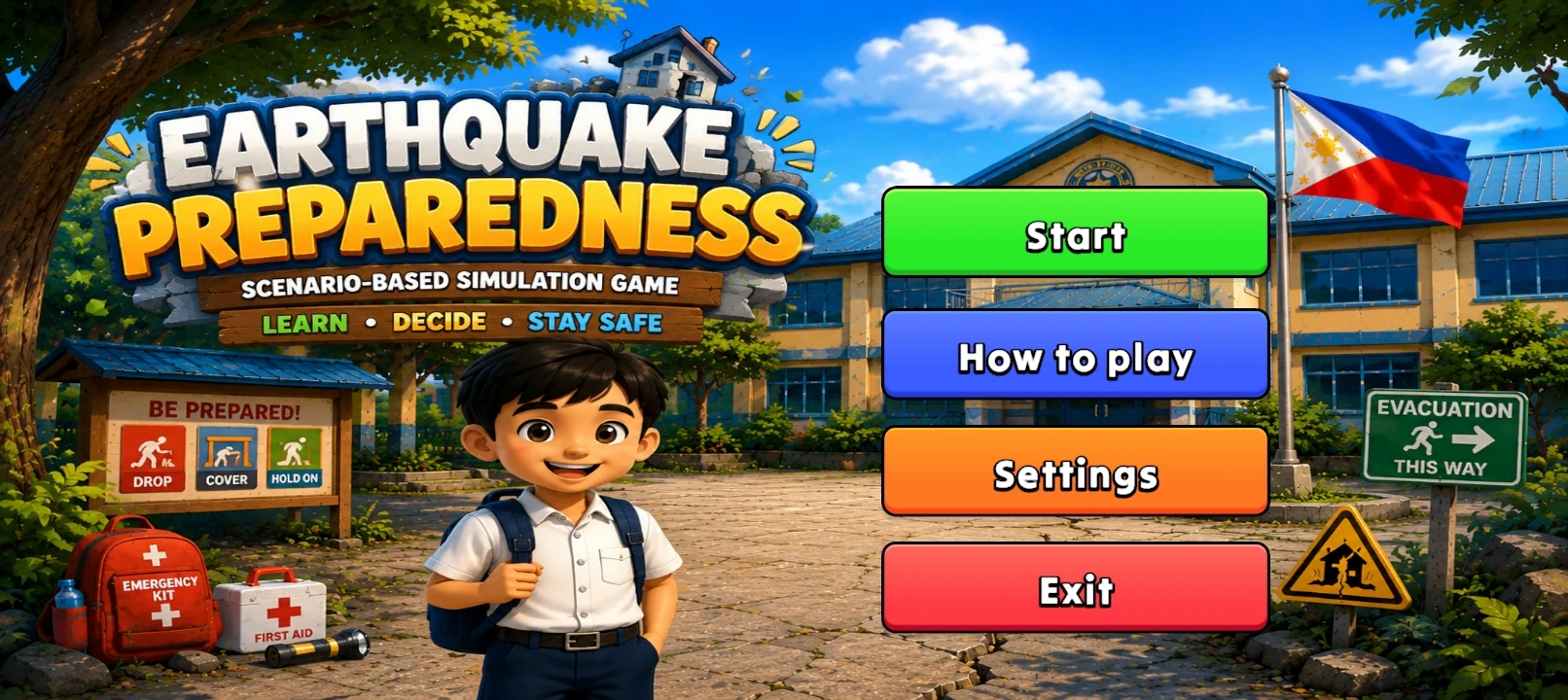
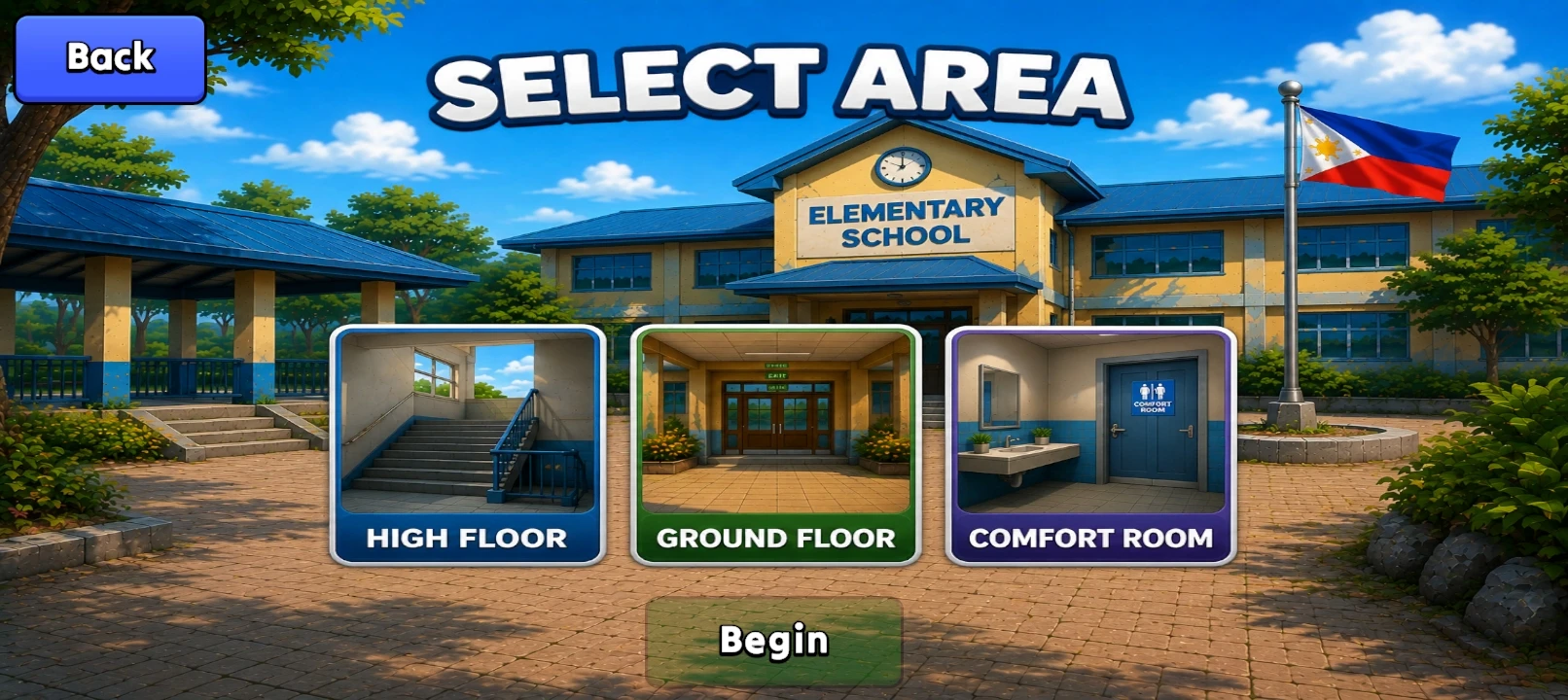
More than a game — practice for the real thing.
Every system is designed to teach kids what to do before, during, and after an earthquake.
Realistic Earthquakes
Camera shake and falling dust — feel the intensity of the quake inside the classroom.
Duck, Cover, Hold
Practice the correct position under a desk, with proper timing and feedback on your response.
Safe Evacuation
Find the nearest exit and safe zone once the shaking stops, just like a real evacuation drill.
Built for Kids
Simple controls, clear instructions, and a friendly character style — made for elementary students.
Just four steps
Download the APK
Tap "Download the APK" above and wait for the download to finish.
Allow Unknown Sources
In your phone's Settings, allow installing apps from outside the Play Store.
Open the file
Find the downloaded APK in your Files app and open it to install.
Start the Drill
Open SafeSteps and begin your first earthquake escape simulation.
Ready to join the drill?
Free, and installs directly — no Play Store account needed.
Download SafeSteps.apk [SIZE] MB · Android 8.0 and up · v[1.0]
SafeSteps — Earthquake Escape 3D